
Modules
Quick Reports
Instant access to customizable, download-ready reports.
Onpoint’s Quick Reports module offers instant access to a series of readily available, easily exportable reports with just a few clicks. These standard (but flexible) files deliver fast answers to the most common questions asked by policymakers, agency staff, employers, health plans, analysts, and researchers.
At project start, our analysts work with each client and their stakeholders to configure the Quick Reports suite for repeat reporting that greatly reduces the manual burden for state agencies and other users needing answers to the same questions on a recurring basis.
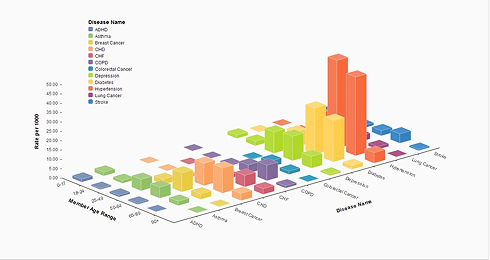
Users can download each report as-is or filter, stratify, and segment the available data by health plan, geography, condition, population, episode group, service category, and more. All report results are downloadable in a variety of familiar formats – Excel tables and graphs, PDF reports, and more – for rapid use in analyses, briefings, and stakeholder communications.


The Power of Quick Reports
Because the Quick Reports pull from the same data sets that power the Dynamic Insights dashboards, results are always aligned, validated, and up to date. And because Quick Reports is part of the rich Data Navigator ecosystem, users can enjoy single sign-on (SSO) functionality to seamlessly move between available modules for a full range of analytics and reporting options.